

Latest Version
Ballard App Craftery
Tools
Windows
Free
9nblggh64kz5
Report a Problem
More About Zip Extractor
A Lightweight Approach to Archive Management
Unlike bulky archiving suites that hog system resources, the Zip Extractor file viewer by Ballard App Craftery is built with a singular focus: speed. Many Windows users only need to peek inside compressed folders rather than manage complex backup hierarchies. This utility fills that niche perfectly, offering a streamlined, lightweight footprint that installs in seconds and runs without dragging down your system's performance.
Key Features of Zip Extractor
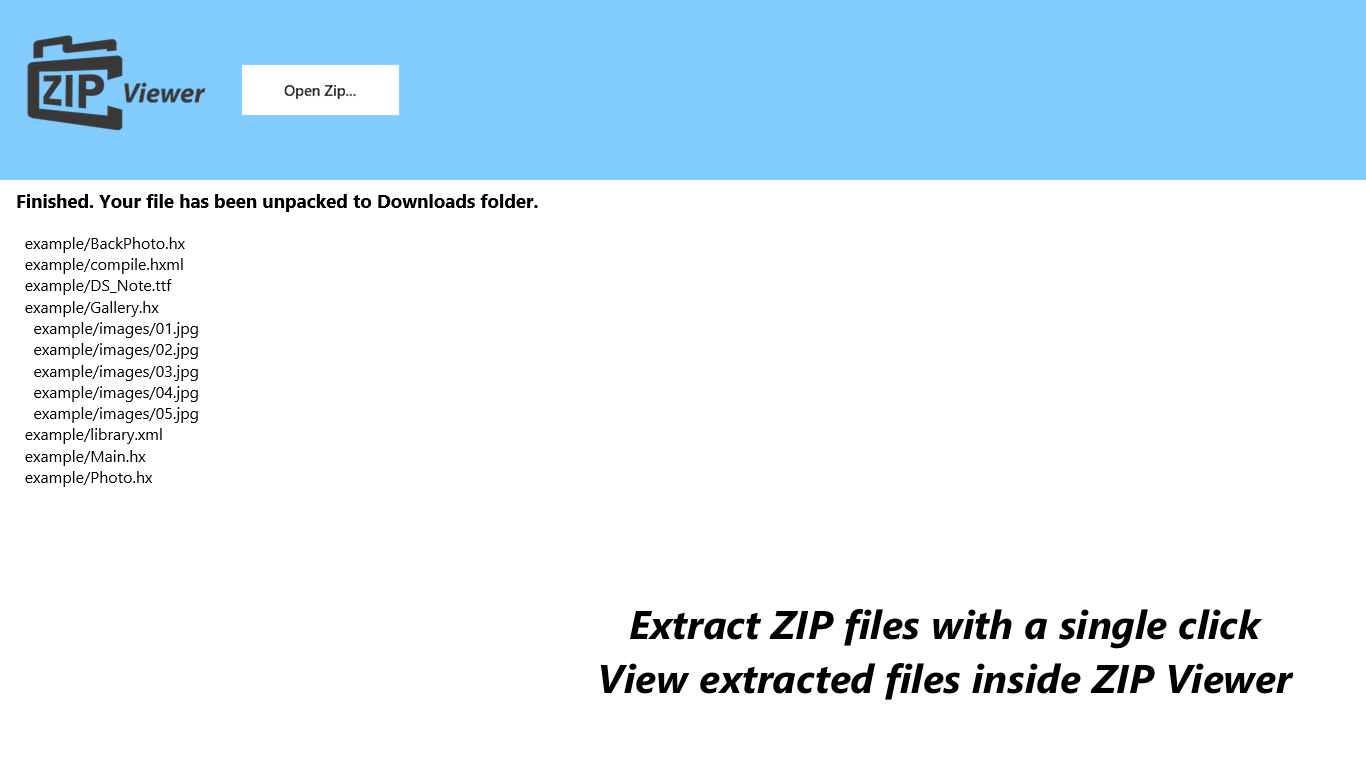
- Instant Previews: You do not need to extract an entire archive just to see what is inside. This tool allows you to peek at images, documents, and even email files directly from the compressed folder.
- Resource-Friendly Architecture: Optimized to consume minimal RAM and hard drive space, making it ideal for budget PCs and tablets running Windows.
- Multi-Format Support: While it excels as a Zip Extractor file viewer, it also handles popular alternative formats like RAR files with ease.
- Completely Free: There are no hidden paywalls, locked features, or persistent in-app purchase prompts to disrupt your workflow.
Who Is This Tool For?
If you frequently receive compressed email attachments or download packaged files online, you know how frustrating it is to wait for a heavy application to launch. This utility is designed for everyday Windows users who prioritize speed and simplicity. Because it operates cleanly in the background without background services, it is an excellent choice for keeping your operating system clutter-free.
Our Editorial Verdict
Ballard App Craftery has delivered a highly focused utility that does exactly what it promises. By stripping away unnecessary settings and focusing purely on rapid extraction and file previewing, they have created an incredibly user-friendly tool. If you want a zero-fuss solution for your compressed files, we highly recommend checking out this application.
To learn more or to try it on your own device, head over to the official Microsoft Store page to explore the app today.
Rate the App
User Reviews














Popular Apps










Editor's Choice