


Latest Version
Mattia Righetti
Tools
Mac
Free
1581290826
Report a Problem
More About chmod util
Demystifying Unix Permissions with chmod util
Managing file permissions on macOS can be a daunting task for developers, system administrators, and tech enthusiasts alike. The chmod util permissions translator is a dedicated utility tool designed specifically for macOS, aimed at simplifying the translation of complex rwx (read, write, execute) permissions into octal formats and vice versa. Developed by Mattia Righetti, this lightweight application addresses a common pain point in Unix-based system administration: the manual calculation of file access rights.
Practical Workflows: What You Can Do with It
Whether you are configuring a web server, setting up a secure script, or troubleshooting local file access issues, understanding file permissions is critical. Instead of relying on memory or searching online calculators, the chmod util permissions translator provides an offline, instant conversion interface right on your Mac desktop. Here is how you can integrate it into your daily technical workflow:
- Instant rwx Translation: Quickly convert symbolic notations (such as
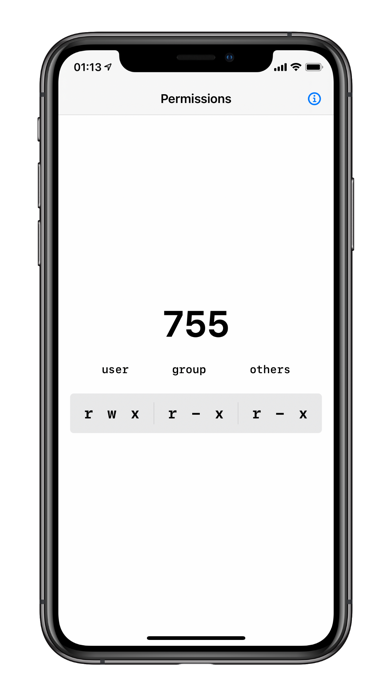
rwxr-xr-x) into their corresponding octal values (like755) without manual binary math. - Octal to Symbolic Conversion: Input any three-digit octal code to instantly visualize the exact read, write, and execute permissions granted to the Owner, Group, and Others.
- Error Prevention: Avoid costly command-line mistakes on production servers by verifying your target permissions in a safe, visual environment beforehand.
Who is This Utility For?
The chmod util permissions translator is tailored for anyone who interacts with the macOS Terminal or manages remote Unix systems. It is highly beneficial for software engineers who need to set executable flags on scripts, system administrators auditing security policies, and student developers learning the fundamentals of Unix file systems. By removing the guesswork from the chmod command parameters, it streamlines development operations and enhances system security.
A Clean, Focused Interface
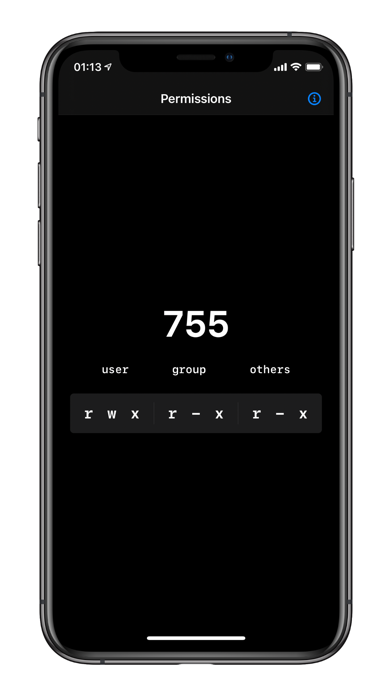
Unlike bloated system utilities, this tool focuses on doing one thing exceptionally well. It features a clean, native macOS interface that aligns with modern design standards, ensuring that you can launch it, perform your calculation, and return to your terminal workspace in seconds. Its lightweight footprint means it won't tax your Mac's system resources, making it an excellent utility to keep permanently in your applications folder.
Our Verdict
If you regularly work with Unix commands, server deployments, or file system permissions, having a dedicated calculator on your desktop saves time and prevents configuration errors. To try this utility for yourself, head over to the Mac App Store to view its official listing and add this handy tool to your development toolkit.
Rate the App
User Reviews















Popular Apps










Editor's Choice