

Latest Version
iwaxx Sarl
Tools
Mac
Free
472226235
Report a Problem
More About LanScan
The Ultimate Network Discovery Tool for macOS
Identifying every connected device on a network can be a daunting task, but LanScan network scanner simplifies this process entirely. Designed specifically for macOS, this utility provides immediate visibility into your local and public subnets. Whether you are troubleshooting IP conflicts, auditing connected hardware, or simply curious about what is utilizing your bandwidth, this tool delivers comprehensive discovery without any artificial limits on the number of detected devices.
Comprehensive Dual-Stack Scanning: IPv4 and IPv6
Modern network environments require tools that can handle both legacy and current IP standards. The LanScan network scanner excels in this hybrid environment by offering robust dual-stack scanning features:
- Automated Interface Detection: The software automatically identifies active interfaces, including physical Ethernet connections, Wi-Fi (Airport), and virtual adapters.
- Flexible IP Scans: You can scan custom IP ranges, scaling from a single host up to the entire IPv4 address space.
- Advanced Resolution Engines: It resolves hostnames using DNS, Apple's mDNS, and Windows SMB protocols, mapping active IPs to recognizable device names.
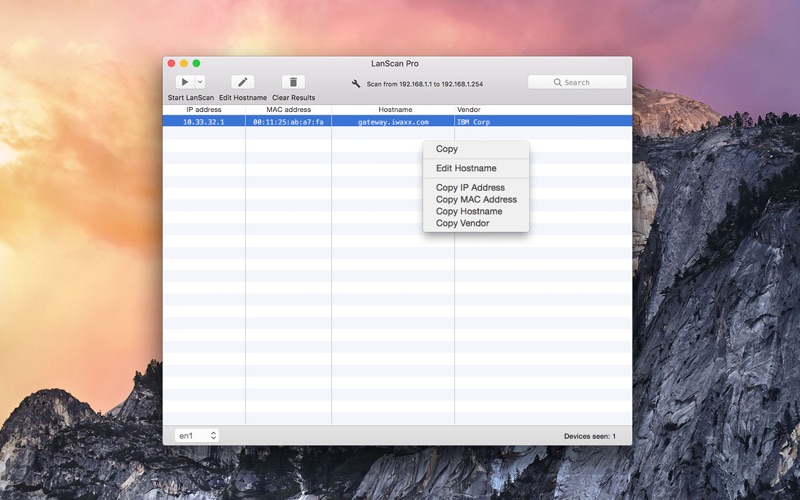
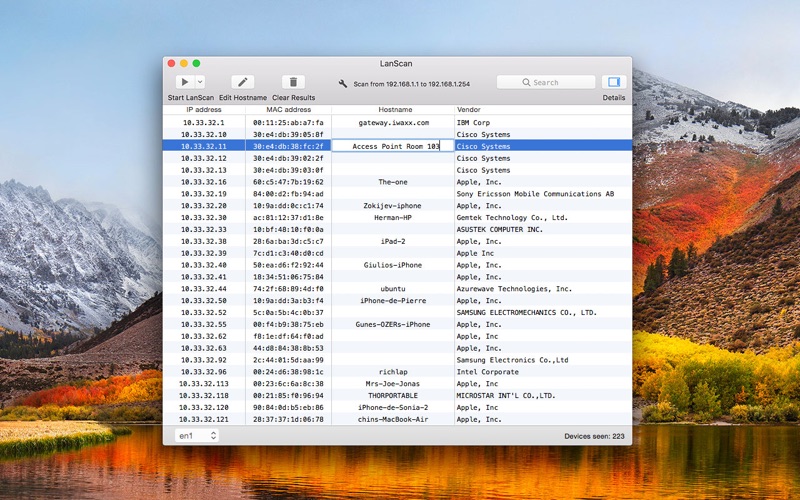
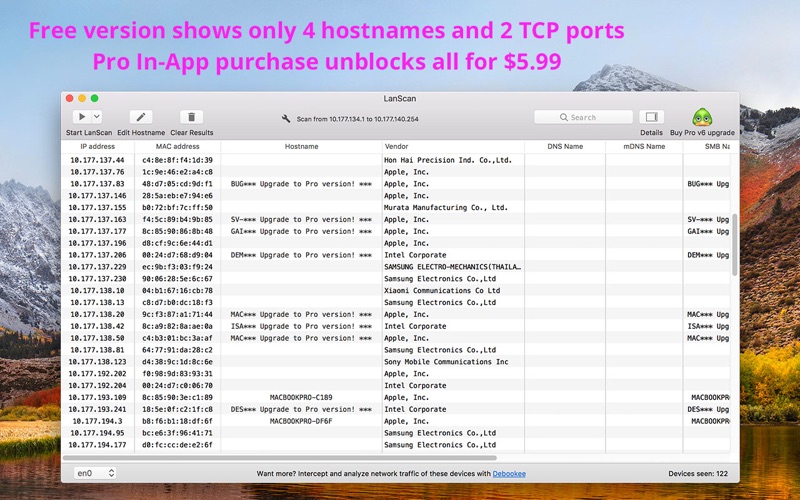
- Detailed Hardware Mapping: View IP addresses, MAC addresses, associated hardware vendors, and configured SMB domains in a clean, customizable grid.
- IPv6 Support: Easily display Link-Local and Global IPv6 addresses to ensure your modern network infrastructure is fully accounted for.
Tailored for Network Administrators and Power Users
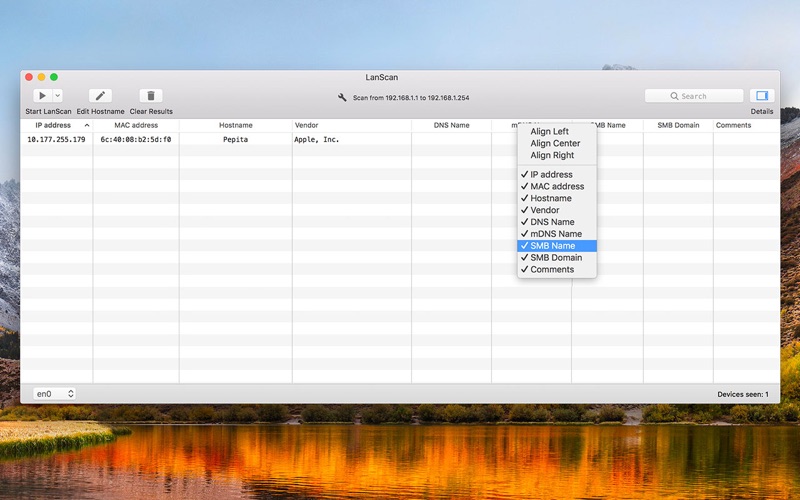
Developed by iwaxx Sarl, this application is built for efficiency. Users can add custom hostnames, attach personalized comments to specific devices, and open custom URLs directly in their browser from the interface. Additionally, your scanning results can be exported as CSV files for external analysis or reporting. The user interface is highly flexible, allowing you to show, hide, and align columns to match your preferred workflow.
Understanding the Free Trial and Pro Features
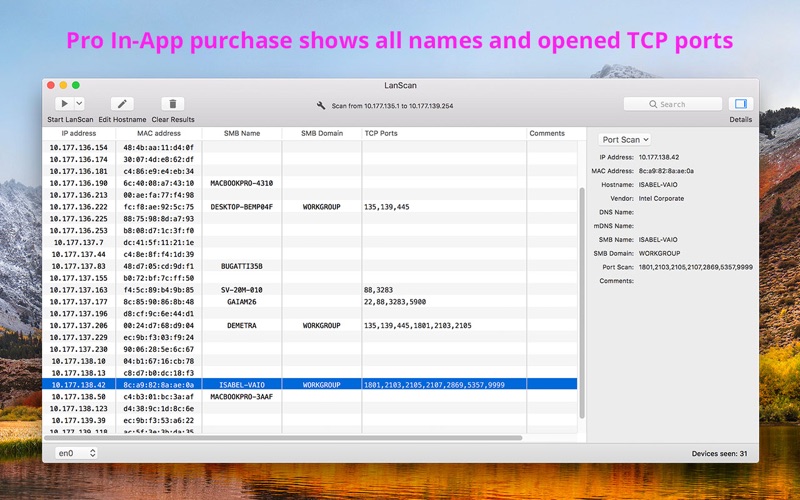
The free version of this utility offers complete discovery, meaning it will display every single device found on your subnet without hiding physical hosts. However, to help you evaluate the software, the free trial may obfuscate certain hostnames, comments, TCP ports, or IPv6 addresses. To unlock full visibility and remove these obfuscations, users can purchase the Pro In-App Purchase directly within the application's help menu.
Is It Right for Your Toolkit?
If you need a reliable, lightweight, and incredibly fast utility to audit your network topology on macOS, this tool is an exceptional choice. To explore its features and run your first network audit, head over to the official Mac App Store to download the utility and scan your subnet today.
Rate the App
User Reviews















Popular Apps










Editor's Choice